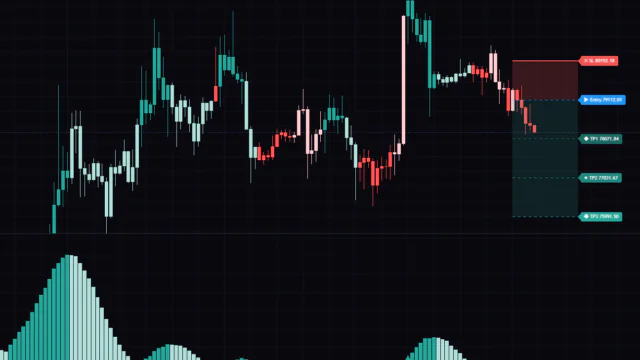
Oscillator
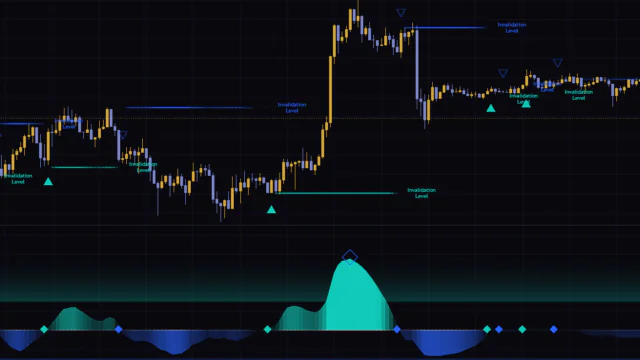
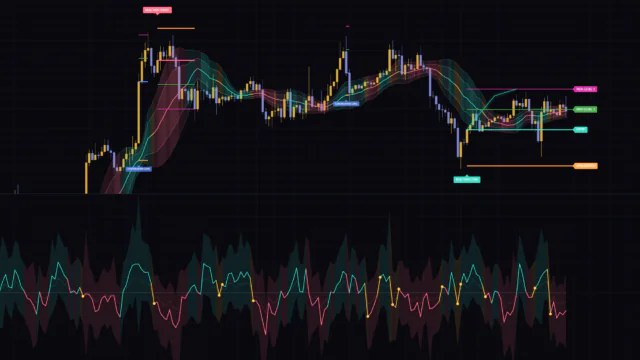
Coppock Curve Multi-Filter [MarkitTick]
How to Use “Coppock Curve Multi-Filter”, a Rebuilt Version of the Classic Coppock Curve
このページは日本語でもご覧いただけます。
日本語で見るCont.
Week of Sep 7
4 indicators reviewed. Oscillator led the week with 2. Top rated: Signal Forge [LuxAlgo] (4.2).
Oscillator
How to Use “Coppock Curve Multi-Filter”, a Rebuilt Version of the Classic Coppock Curve
Oscillator
An oscillator that gauges slope strength and overextension and draws a stop reference line.
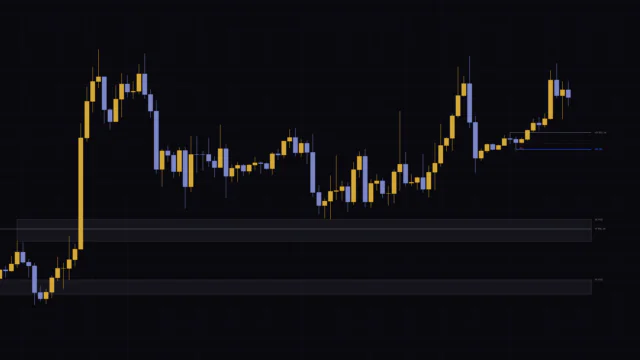
How to Use the Linear Regression Oscillator: Standardizing Slope to Measure Overextended Momentum
6 divisions
Ranked by views over the past 7 days. Currently #1: Smart Trader, Episode 06, Isotropic Trend Lines.
See all Most Popular by PeriodRanked by Overall score. Currently #1: Regression Slope Oscillator [QuantAlgo].
See all Top RatedRanked by views over the past 7 days. Currently #1: MTF Liquidity Stack (Zeiierman).
See all ScalpingRanked by views over the past 7 days. Currently #1: Smart Trader, Episode 06, Isotropic Trend Lines.
See all Day TradingRanked by views over the past 7 days. Currently #1: Smart Trader, Episode 06, Isotropic Trend Lines.
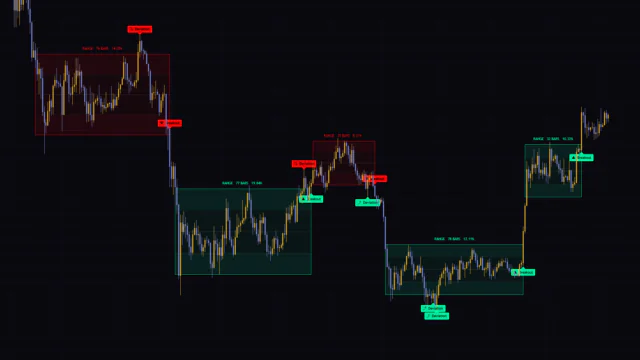
See all Swing TradingRanked by views over the past 7 days. Currently #1: Auto Range Detector [QuantAlgo].
See all Position Trading
Rank 1
Rank 2
Support & Resistance
Rank 3
Rank 4
Support & Resistance
Rank 5
Rank 1
Oscillator
Rank 2
Rank 3
Support & Resistance
Rank 4
Support & Resistance
Rank 5
Volatility
Rank 1
Support & Resistance
Rank 2
Order Flow
Rank 3
Signals
Rank 4
Support & Resistance
Rank 5
Rank 1
Rank 2
Support & Resistance
Rank 3
Rank 4
Support & Resistance
Rank 5
Rank 1
Rank 2
Support & Resistance
Rank 3
Rank 4
Support & Resistance
Rank 5
Rank 1
Support & Resistance
Rank 2
Momentum
Rank 3
Oscillator
Rank 4
Rank 5
Volatility
The indicators we'd point you to right now, beyond what the stars can say
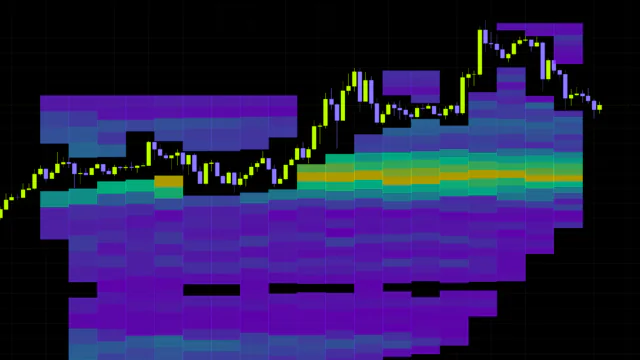
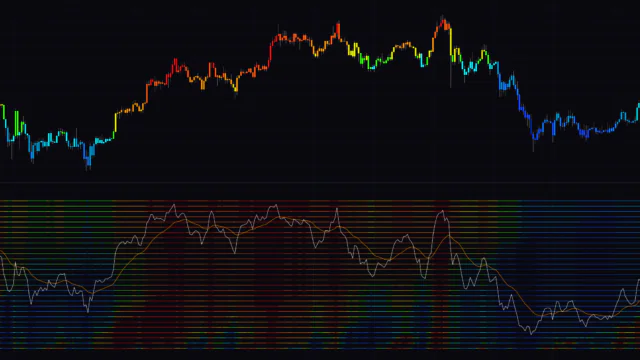
“Stochastic Heat Map” Tested: Bottom-to-Top Color Shifts That Show How Real a Move Is
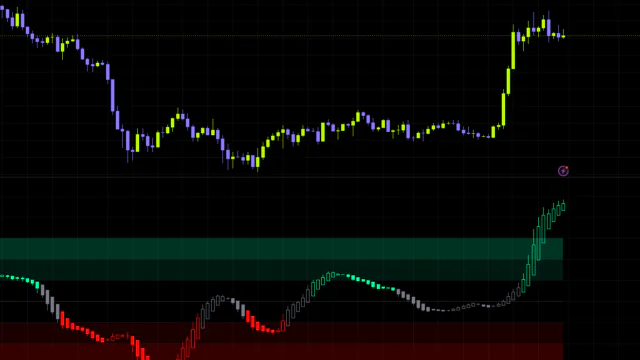
"Stochastic Heat Map" is an oscillator that stacks 28 Stochastics with lengths from 10 to 280 as colors, showing where price sits in its range on every lookback at once. The way color spreads from the bottom rows to the top tells you how strong a move is, but red stays pinned in strong trends, so it works best with direction handled separately by something like an EMA.
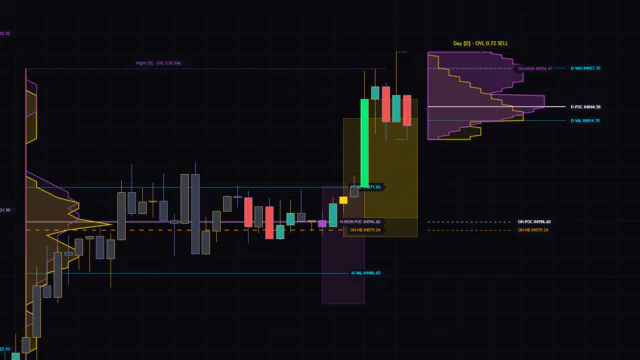
Auction Market Theory on One Chart: An Indicator That Flags Volume Absorption by Color
“CME Institutional Order Flow & AMT Lens” is a TradingView indicator that combines a volume profile, candle coloring, shelves, and a dashboard in one. It gives no buy or sell signals and instead automatically marks key prices such as the POC and Value Area.
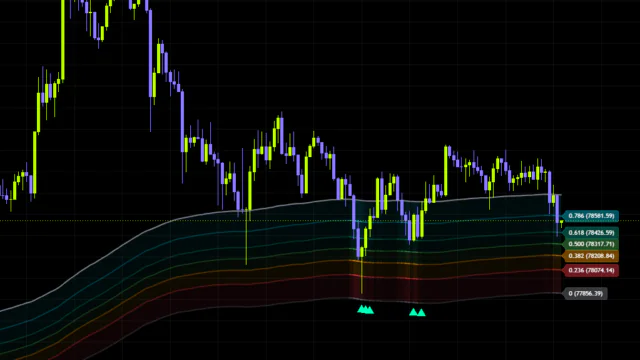
Measure Pullback Depth Inside a Trend With “Fibonacci Trend Continuation Signals”
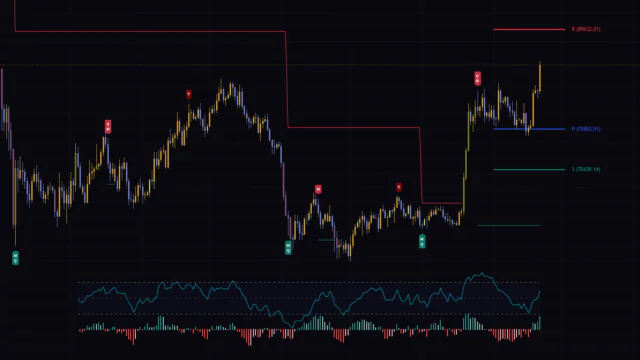
"Fibonacci Trend Continuation Signals" is a free TradingView indicator that automatically draws a Fibonacci range in the direction of the trend and prints a continuation signal the moment price starts moving again after a pullback or bounce. It gives you an objective read on pullback depth.
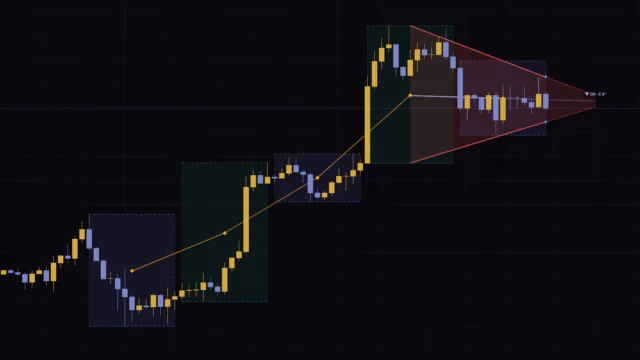
“Isotropic Trend Lines” Review: σ-Scaled Trend Angles and a Six-Timeframe Vote Tested on Live Charts
Isotropic Trend Lines puts price on a log scale and divides it by volatility (σ), giving you a trend angle that doesn't change with chart scaling. Direction, strength and position inside the channel all show on one screen. Just note that the angle only appears once you turn on Show Angle Label.
Touching the Band Isn’t Enough — “Strong Burst Fader” Measures the Depth of the Stretch
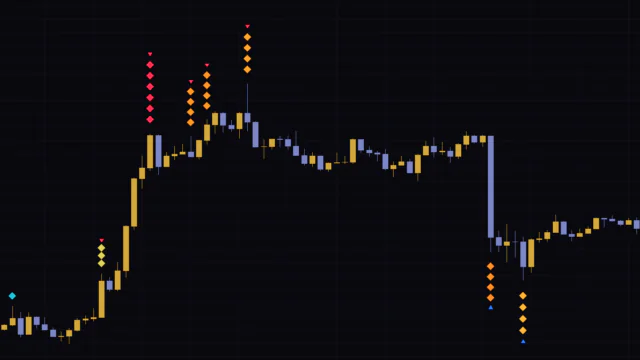
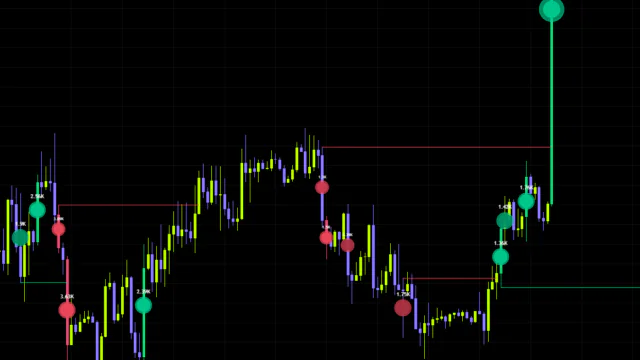
"Strong Burst Fader" is a counter-trend indicator that measures how far a wick pokes beyond a moving average ± ATR band and shows that depth as the height and color of a diamond stack. The taller and redder the stack, the more overextended the move, and you can read it without adding a single line to your chart.
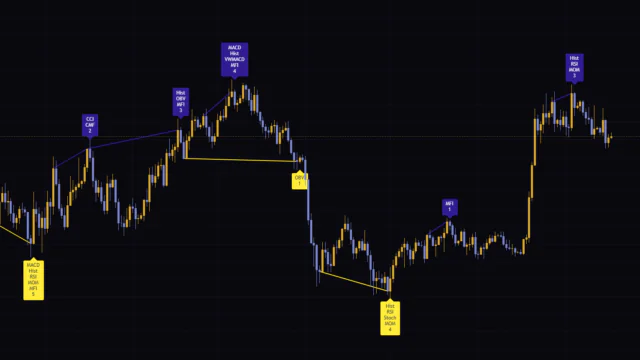
Divergence for Many Indicators v4 : How to Read Divergence Across 10 Indicators in One Label
"Divergence for Many Indicators v4" is a TradingView indicator that detects divergence across 10 indicators, including RSI and MACD, and shows how many line up in a single label. Signals come early, but only the last one survives within the same swing. It works best once you've defined market direction.

01FIND
Every indicator we test is logged on the same data sheet: category, five-category rating, difficulty, trading style, and repaint behavior. Stack the filters and you can find the one that fits before reading a single review.
How each record is made
02RUN
A description or a screenshot won't tell you how an indicator really behaves. We load each one onto a TradingView chart, run it, and check what it calculates, where it works, and where it throws fakeouts before we write a word.
03PLOT
Signal conditions, calculation flow, what changes when you tweak the inputs. Anything that's hard to put into words gets a visual drawn from scratch for that review, with step-by-step playback so you can follow along.
04SCORE
Popular names and hidden gems are scored against the same standards. Strengths and weaknesses get equal attention, and the five-category breakdown and the full scoring rules are public.
Add Vowars as a preferred source
See more Vowars articles in Google's Top Stories and AI answers. Google's settings page will open. Select Vowars there.
Add on GoogleNew article notifications
Get a browser notification when we publish a new indicator review. You can turn it off at any time.